Every online seller knows the sinking feeling of receiving an "Item Not Received" (INR) notification, especially when your dashboard clearly shows the carrier marked the package as "Delivered." It is a moment of frustration that costs you time, money, and your hard-earned seller rating. The disconnect between what the carrier reports and what the customer actually experiences is a primary pain point in modern ecommerce, yet many sellers treat it as an unavoidable cost of doing business.
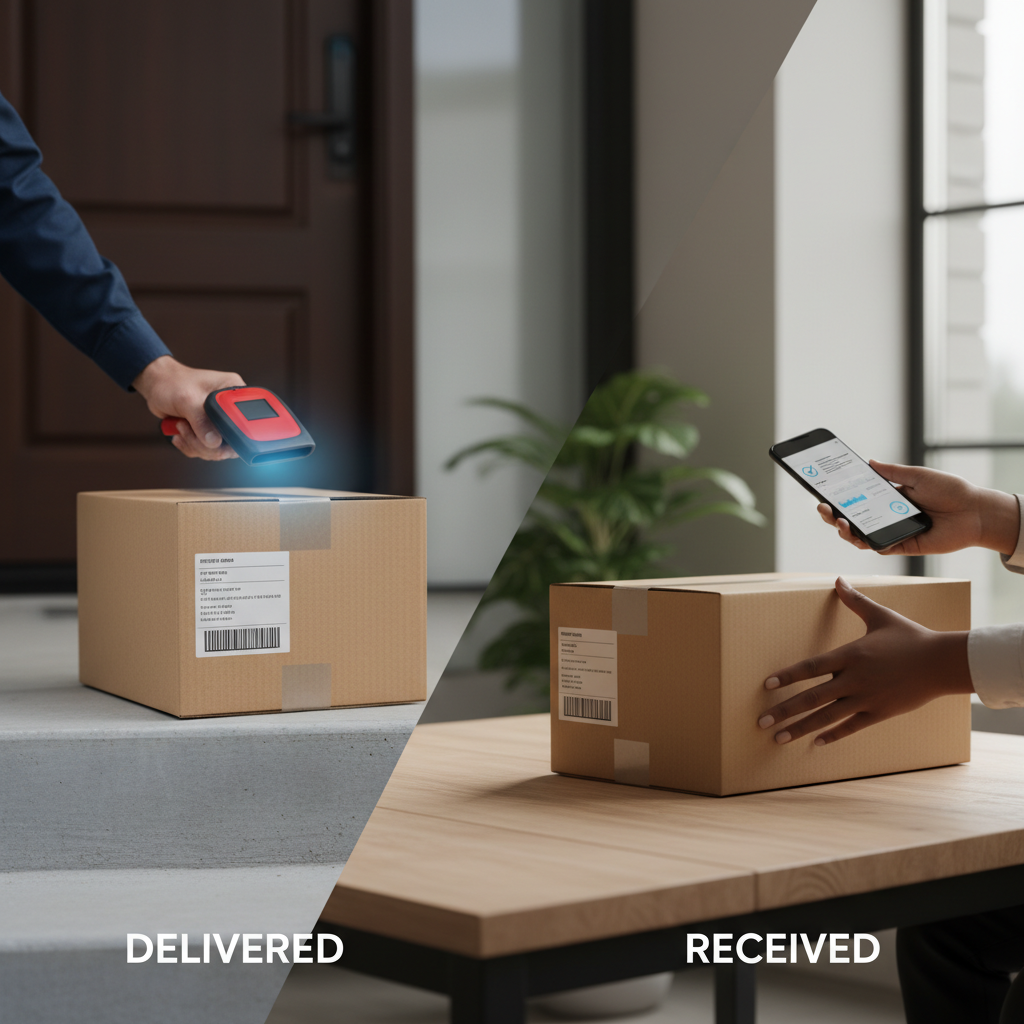
Why the 'Delivered' Status Isn't the End of the Transaction
The core of the issue lies in a fundamental misunderstanding of the shipping lifecycle. For many, the ecommerce shipping workflow is seen as a linear path: product listed, order placed, label printed, package shipped, and delivery confirmed. However, the "Delivered" status is merely a data point from a carrier, not a confirmation of customer satisfaction.
In reality, packages are often left in unsafe locations, delivered to the wrong porch, or simply misplaced by the recipient. When a customer reaches out to claim they never received their order despite the tracking status, you are forced into a manual, time-consuming investigation. You must contact the carrier, cross-reference data, and engage in back-and-forth communication with the buyer. This manual burden is exactly what ZeeTrackNumbers helps you move away from by streamlining your tracking number workflow.
The Hidden Cost of Manual Post-Delivery Follow-ups
How much of your day is spent manually checking tracking statuses or responding to "Where is my order?" emails? For small to medium-sized business owners, this manual labor is a silent killer of growth. Every minute you spend manually verifying deliveries is a minute you aren't spending on sourcing, marketing, or optimizing your store.
Furthermore, failing to address the "delivered vs. received" gap proactively can lead to negative feedback and platform-level disputes. When you don't have a structured system, you are constantly in reactive mode. A professional shipping communication strategy doesn't just save you time; it builds trust with your customers by showing them you are on top of their order until the moment it is safely in their hands.
Building a Proactive Shipping Communication Workflow
To reduce the frequency of disputes, you need to transition from reactive troubleshooting to proactive communication. This means implementing a workflow that bridges the gap between the carrier's scan and the buyer's actual confirmation. Here is how you can start improving your process:
- Automate Status Updates: Don't wait for the customer to ask. Use tools to monitor tracking numbers so you can identify potential delivery issues before the customer does.
- Verify Receipt: Implement a simple, automated follow-up sequence that encourages customers to confirm they have received their items.
- Centralize Your Data: Stop jumping between carrier websites. A unified tracking number workflow keeps all your shipping information in one place, allowing you to respond to inquiries instantly with accurate data.
By using a system like the one offered at ZeeTrackNumbers, you can move away from the chaos of manual spreadsheets and fragmented tracking updates. Our solution is built on real-world experience with automation and AI, designed specifically to help small and medium-sized businesses work in a more organized, efficient manner.
Bridging the Gap with ZeeTrackNumbers
At ZeeTrackNumbers, we understand that online sellers don't need another complex, bloated software suite. You need a practical solution that solves the specific problems of tracking and communication. We focus on what you actually need to operate your business—saving time, reducing manual labor, and maintaining a professional standard of service.
Whether you are dropshipping or managing your own inventory, our approach to shipping communication is designed to be straightforward. We help you cut through the noise of carrier data and provide you with actionable insights. If you are tired of losing hours to shipping disputes and manual status checks, it is time to optimize your workflow.
Stop guessing if your customers received their orders. Start now and work faster with ZeeTrackNumbers.
Frequently Asked Questions
Why do I get 'Item Not Received' claims even when tracking shows delivered?
This usually happens because the "Delivered" status is a carrier scan, not a customer confirmation. Packages can be delivered to the wrong address, hidden in an obscure spot, or simply not noticed by the buyer. Without a proactive communication workflow, the customer assumes the package is lost, leading to unnecessary disputes.
How can I automate the process of checking if a customer actually received their package?
You can implement an automated shipping communication workflow that triggers a message to the customer shortly after the carrier's delivery scan. This encourages the customer to check their mailbox or porch and confirms that they have the item, which often resolves confusion before it turns into a formal claim.
What is the best way to communicate with buyers after the package arrives?
The best approach is to be helpful and clear. A simple, automated message confirming delivery and offering assistance if they cannot find the package goes a long way in building trust. For more tips on optimizing this process, visit the ZeeTrackNumbers blog.
